
Table of Contents
The Budget Blueprint
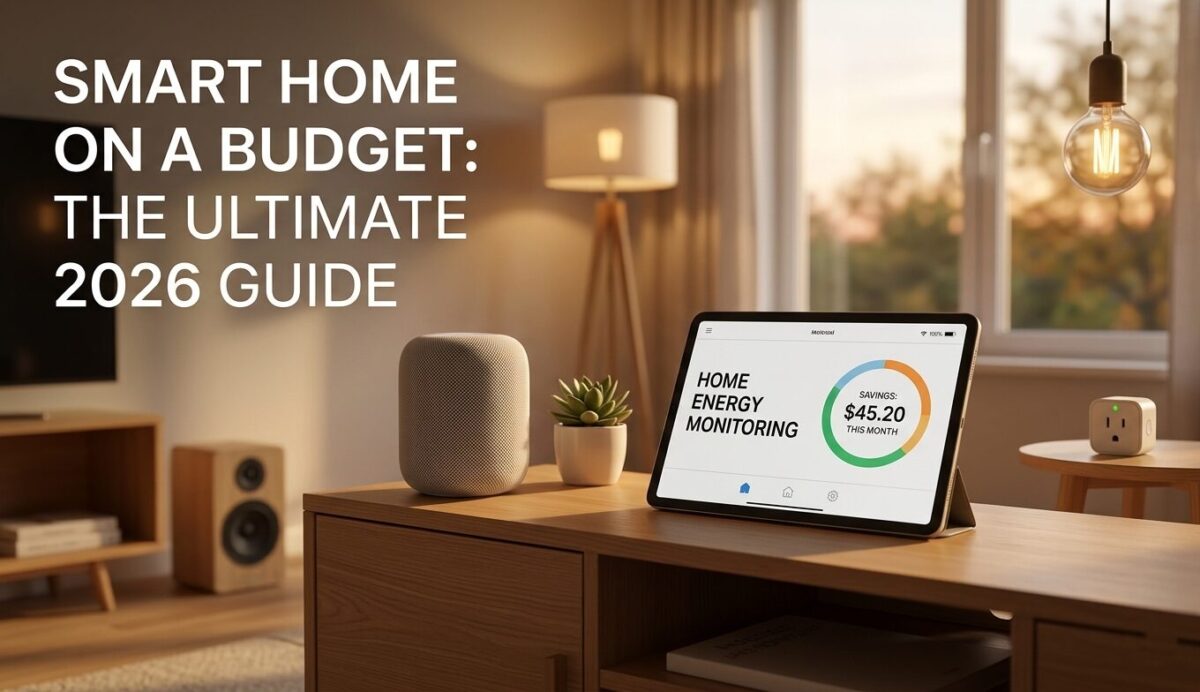
I remember when “smart home” meant spending thousands on professional wiring and proprietary tablets and I used to think a truly connected house was a luxury reserved for those with massive renovation budgets. I was wrong. In 2026, you can build a smart home on a budget that outperforms the luxury systems of five years ago.
The secret lies in the death of the “walled garden.” Today, affordable home automation is powered by open standards that let cheap, high-quality devices talk to each other. You no longer need to buy into a single expensive brand to get a seamless experience. By focusing on budget-friendly smart devices, you can create a home that anticipates your needs for the price of a mid-range smartphone.
In this guide, I will share how I transformed my own space into an efficient, low-cost connected home. We will focus on “high-impact” upgrades—changes that actually save you money on your electricity bill or give you genuine peace of mind. Are you ready to stop fighting with your tech and start making it work for you?
Foundation First
Most people think a smart home starts with a fancy light bulb. In reality, it starts with your network. If your foundation is weak, your devices will “drop off,” automations will lag, and you’ll find yourself rebooting your router more often than enjoying your tech. In 2026, the foundation of a budget-friendly smart home rests on two pillars: a Thread Border Router and the Matter standard.
The Magic of Matter and Thread
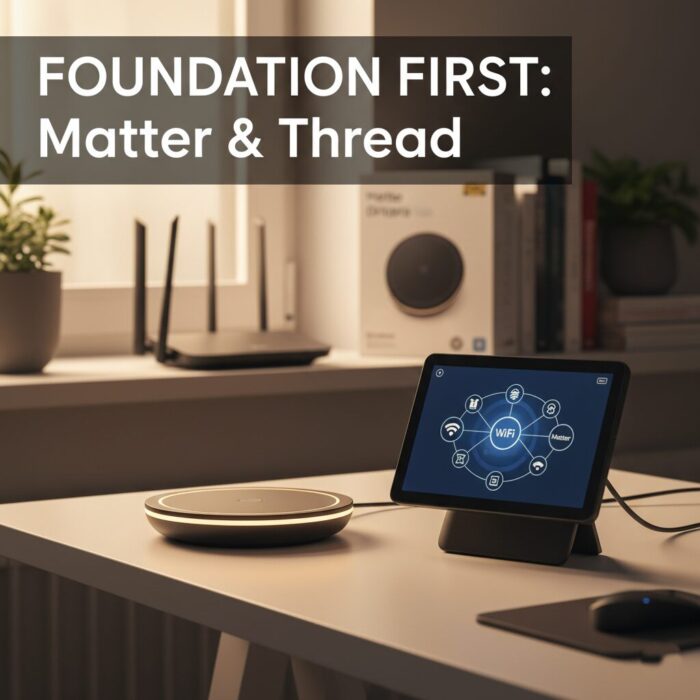
Think of Matter as a universal language that allows a light bulb from IKEA to talk to an Amazon Echo or a Google Nest Hub without needing a specific bridge for every brand. Thread, on the other hand, is the low-power mesh network that connects these devices. Unlike Wi-Fi, which can get “crowded” with too many gadgets, Thread gets stronger and more reliable as you add more devices.
Choosing Your “Border Router”
To get these devices onto your home network, you need a Thread Border Router. The good news? You might already own one. By 2026, this technology is built into many common (and affordable) devices:
- Smart Speakers: The Apple HomePod mini and Amazon Echo (4th Gen) are excellent entry points that act as both your voice assistant and your network foundation.
- Smart Displays: The Google Nest Hub (2nd Gen) is a fantastic budget-friendly visual command center with Thread support.
- Budget Powerhouse: If you’re starting from scratch, the Samsung SmartThings Station (often found for around $60) is a “Swiss Army knife” hub that supports Zigbee, Thread, and Matter—and it even doubles as a wireless phone charger.
Pro Tip: Optimize Your Existing Wi-Fi
Before you buy a single sensor, ensure your router is placed centrally in your home. Smart devices don’t need massive bandwidth, but they do need a stable connection. For a budget setup, I recommend separating your 2.4GHz and 5GHz bands if your router allows it; most smart home tech lives on the 2.4GHz band, and keeping it clear of your high-speed streaming devices can prevent “digital traffic jams.”
High-Impact Essentials
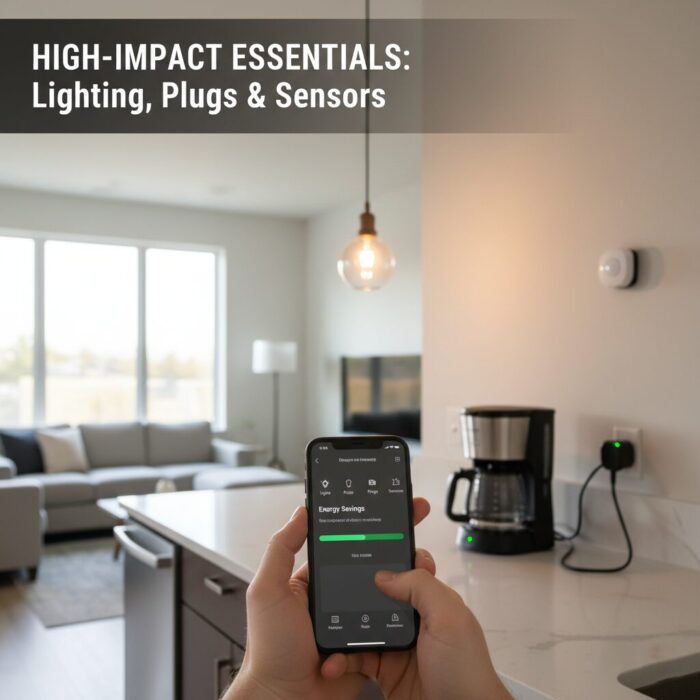
Once your foundation is set, the temptation is to buy everything at once. Resist that. To build a smart home on a budget that actually pays for itself, you need to focus on the “Big Three”: lighting, plugs, and sensors. These aren’t just gadgets; they are tools that can reduce your home’s lighting and energy costs by as much as 35% to 70%.
Smart Lighting: The 2026 Strategy
In 2026, the best value isn’t always the cheapest bulb, but the one with the most functionality.
- The “Gold Standard” Budget Pick: IKEA’s Matter-compatible range (launched late 2025/early 2026) is a game-changer. Their $10–$15 bulbs now offer high lumen output and dimming capabilities that used to cost twice as much.
- Why it saves money: Smart LED bulbs use 75% less energy than traditional incandescents. But the real savings come from automation. Setting your lights to 50% brightness through a smart switch or app reduces power consumption by nearly 50%—a trick most people forget.
Smart Plugs: Killing “Phantom Loads”
Idle devices—your coffee maker, the guest room TV, or that old gaming console—are “vampires” that suck energy even when turned off.
- Top Recommendation: The TP-Link Kasa KP125M or Tapo P125M (often under $20). These are Matter-enabled and, crucially, include energy monitoring.
- The ROI: By seeing exactly how much a specific appliance costs you per month in the app, you can set schedules to completely cut power during “off-hours.” Turning off a single high-draw appliance at night can save enough to pay for the plug within six months.
Sensors: The Invisible Brain
Sensors are the most underrated part of a budget setup. They move your home from “remote controlled” to truly “smart.”
- The Motion Win: A simple motion sensor (like the Aqara P2 or IKEA Vallhorn) in a hallway or bathroom ensures lights are never left on in empty rooms.
- The “Load-Shedding” Hero: For those dealing with volatile energy grids or high peak rates, temperature and humidity sensors can trigger smart plugs to turn off heavy-draw heaters or fans when a room reaches a specific threshold, preventing wasted kilowatts.
Security Without Subscriptions
In the past, “smart security” was a trap. You’d buy a $200 camera, only to realize that viewing your own footage or getting person-detection alerts required a monthly $10 subscription. If you stopped paying, your high-tech camera became a “dumb” paperweight. In 2026, the era of the “subscription tax” is ending, thanks to Edge AI and Local Storage.
The Power of “Edge AI”
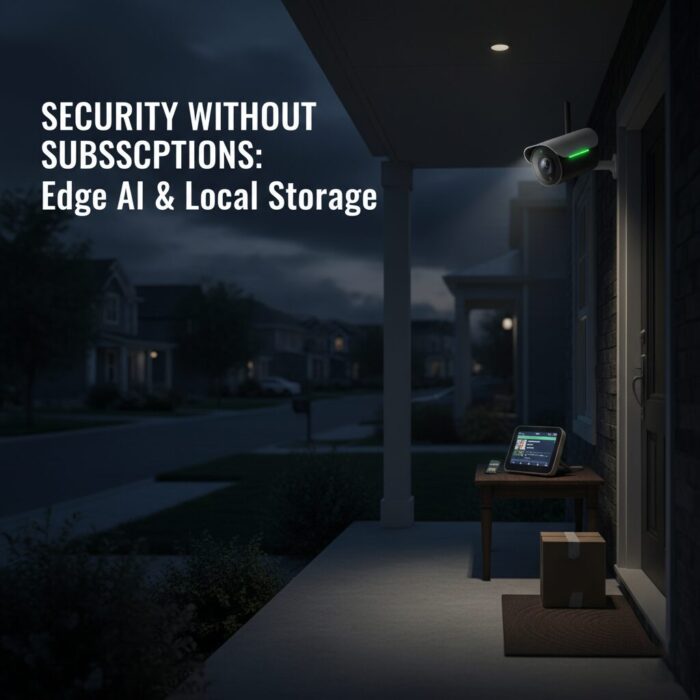
Modern budget cameras—like those from Wyze, Eufy, and Reolink—now carry powerful chips that do the “thinking” inside the camera itself, rather than sending your data to a distant cloud server. This is called “Edge AI.”
- Instant Alerts: Because the camera doesn’t have to upload video to the cloud to realize there is a person in your driveway, alerts hit your phone in under a second.
- Privacy by Design: Your faces, pets, and private moments never leave your home network.
- Smart Detection for Free: In 2026, features like Person, Vehicle, and Package Detection are increasingly standard out of the box, without a “Pro” plan.
Local Storage: Your Own Private Cloud
To avoid cloud storage fees, you need a place for your video to live. You have two main budget paths:
- The SD Card Method: Most affordable cameras (like the Wyze Cam v4 or Tapo C120) have a hidden slot for a microSD card. For about $15, a 128GB card can store weeks of motion events or several days of continuous 2K footage. When the card is full, it simply overwrites the oldest footage.
- The Home Hub Method: Brands like Eufy use a central “HomeBase.” The cameras stream wirelessly to this box sitting safely inside your house. If a thief steals the camera outside, they don’t steal the evidence—the footage is already safe on the hard drive in your living room.
Security That Acts, Not Just Watches
A truly smart budget system is proactive. By 2026, you can link your cameras to your lighting via the Matter standard.
The Deterrence Scene: “If the driveway camera detects a person between 11 PM and 5 AM, turn on the porch light and the living room lamp.”
This creates the “illusion of occupancy,” which is a far better burglar deterrent than a notification on your phone while you’re asleep. You’re getting professional-grade deterrence for a one-time hardware cost.
Automating the Mundane
The true power of a smart home isn’t the ability to turn off a light from your phone—that’s just a digital remote control. Real automation happens when your home anticipates your needs without you saying a word. In 2026, we use “Scenes” and “Routines” to group multiple actions into a single trigger.

For a budget setup, the goal is to eliminate repetitive tasks that drain your time and mental energy. Here are three high-impact, low-cost automations you can set up today:
1. The “Leaving Home” Energy Saver
This is the single most effective way to see an immediate return on your investment.
- The Trigger: Your phone’s GPS leaves a 100-meter “geofence” around your house.
- The Action: All smart lights turn off, smart plugs cut power to “vampire” appliances (like the coffee maker or toaster), and the smart thermostat shifts to “Eco Mode.”
- Budget Impact: Prevents accidental energy waste for those 10 hours a day when no one is home.
2. The “Circadian Morning” Wake-up
Stop being jolted awake by a screaming phone alarm. Use your tech to align with your natural biology.
- The Trigger: 30 minutes before your scheduled alarm.
- The Action: Your bedroom smart bulbs gradually brighten from 1% to 100%, mimicking a natural sunrise.
- The Result: This signals your brain to reduce melatonin and increase cortisol, making you feel alert rather than groggy. If you have a smart plug on your kettle or coffee machine, have it trigger five minutes before your alarm goes off so the kitchen smells like a fresh start.
3. The “Cinema Night” Transformation
This is the “party trick” that proves your budget system is just as capable as a luxury install.
- The Trigger: A single voice command or a tap on a $15 smart button.
- The Action: The living room lights dim to 10%, the accent lighting behind the TV turns a soft blue, and the smart plug for your soundbar powers up.
- Pro Tip: In 2026, if your TV supports Matter 1.3 or higher, your smart home can even pause your movie automatically if a smart sensor detects someone at the front door.
Keep it Simple: The “Five-Second Rule”
When designing your automations, always ask: “Does this take longer than five seconds to explain to a guest?” If the answer is yes, it’s too complicated. The best budget automations are the ones you forget exist because they just work in the background.
Privacy & Future-Proofing
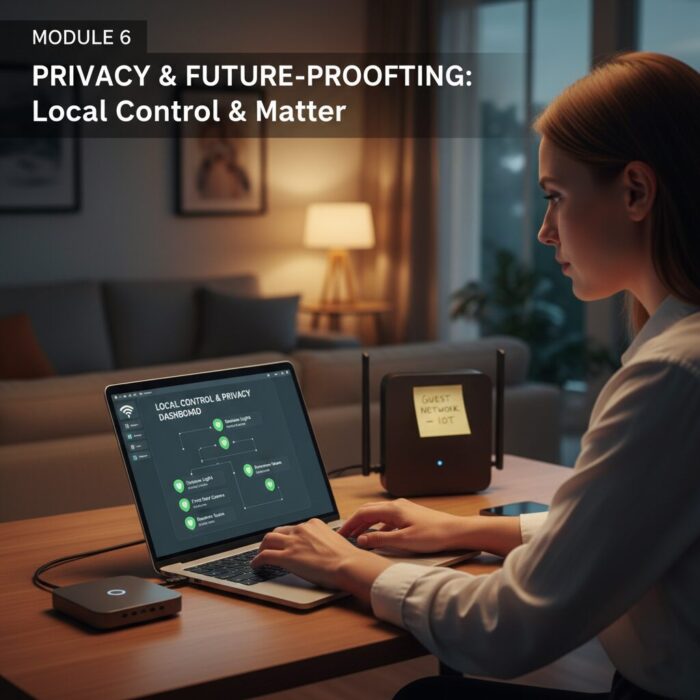
The biggest risk in building a smart home on a budget isn’t the hardware breaking; it’s the technology becoming obsolete or your personal data being sold to the highest bidder. In 2026, a truly “smart” home is one that respects your boundaries and is built to last until 2030 and beyond.
The Privacy First Approach
When you buy “ultra-cheap” unbranded gadgets, you are often paying for the hardware with your data. To protect your privacy without spending a fortune:
- Check for “Local Control”: Ensure your devices work via Matter or Local API. This means even if the manufacturer’s servers go offline or the company goes bankrupt, your light switches and sensors will still respond to your home hub.
- The Guest Network Hack: For any device that must connect to the cloud, put it on your router’s “Guest Network.” This creates a digital firewall, preventing a compromised $10 smart plug from accessing the laptop where you do your banking.
Future-Proofing for 2030
Technology moves fast, but your home infrastructure shouldn’t. To ensure your budget system doesn’t end up in a landfill in two years:
- Prioritize Thread over Wi-Fi: As we discussed in Module 2, Thread is the future of the low-power smart home. It is more resilient and uses less battery than Wi-Fi-based sensors.
- Avoid Proprietary Bridges: If a device requires its own special “hub” that doesn’t support Matter, skip it. These are the first things to become “bricks” when a company updates its software.
- Modular Over Integrated: Don’t buy a “smart fridge” that will be outdated in five years. Buy a great “dumb” fridge and add a $15 smart leak sensor or a $20 energy-monitoring plug. It’s cheaper to upgrade a sensor than an appliance.
Conclusion: Your Smart Home, Your Rules
Building a smart home on a budget isn’t about compromise; it’s about curation. By focusing on interoperable standards like Matter, prioritizing local security, and automating the tasks that actually matter, you’ve created a living space that is more efficient, more secure, and more comfortable.
You didn’t just buy gadgets; you built an ecosystem. And the best part? You did it without the “luxury” price tag.