
Table of Contents
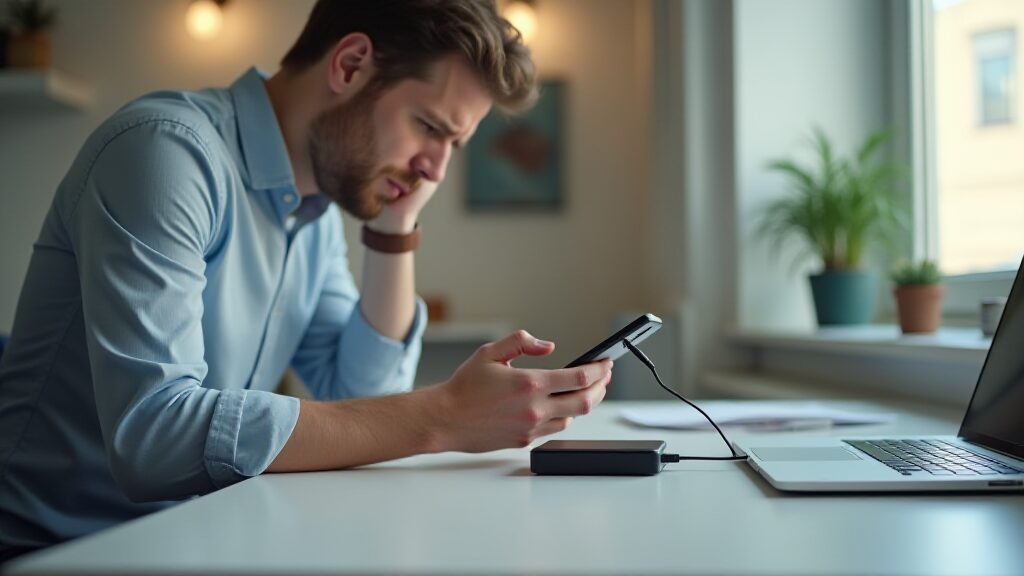
If your phone charging slowly is making you worry about the battery, slow down for a second. In most cases, the problem is the charger, cable, heat, settings, or a background app that is draining power while the phone charges.
The fastest fix is to start with the basics: use a proper wall charger, swap in a known-good cable, cool the phone down, and clean the port gently. If your device is also running hot, our guide on laptop overheating during video calls shows how heat can throttle performance in a similar way.
Quick answer: when your phone charging slowly issue shows up, check the charger first, then the cable, the port, the temperature, and battery settings. If that does not help, look at battery health and software updates.
Why your phone charging slowly happens
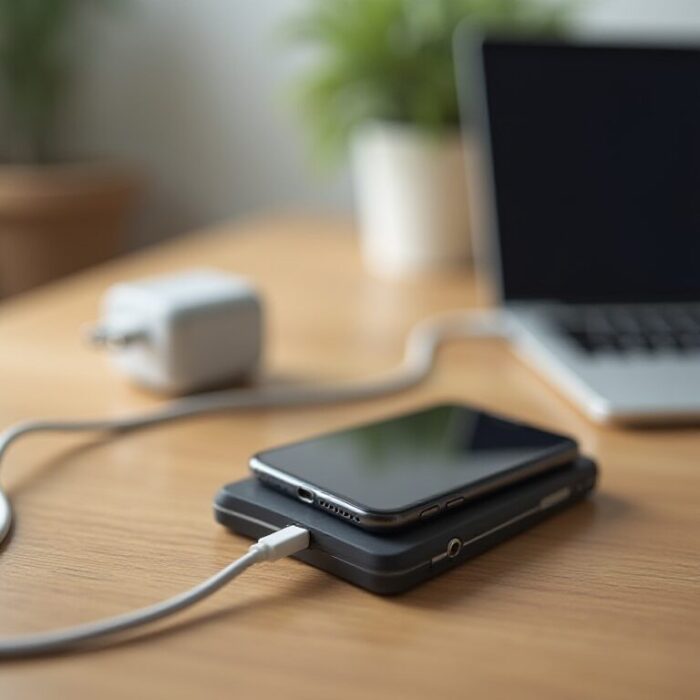
Charging speed depends on several things at once: the charger wattage, the cable quality, the phone’s charging circuit, battery temperature, and how much power the phone is using while plugged in. If even one of those factors is weak, charging can feel painfully slow.
That is why two people can use the same phone model and have completely different charging experiences. One person uses a fast charger and a short USB-C cable. The other is charging from a laptop port with a cheap cable, a hot phone case, and a dozen apps running in the background.
If you use an iPhone, Apple’s official charging guide is a good reference for checking cables, accessories, and slow-charge warnings before you assume the battery is bad.
1. Check the charger first
The charger is the first thing to blame because it is the most common cause of slow charging. Not all chargers are equal. Some old adapters deliver very low power, while modern phones often need USB-C Power Delivery, fast charging, or another high-wattage standard to reach their full speed.
Look for a charger that matches your phone’s charging standard and wattage. If your phone supports fast charging, use a charger that actually provides it. If you are using a tiny old charger, a random power brick, or a low-quality aftermarket adapter, swap it out first.
2. Use a good cable
A bad cable can slow charging even when the charger itself is fine. Cables wear out, bend internally, and sometimes work only for data or only for low-power charging. Cheap cables can also fail to carry enough current for fast charging.
Try a cable that you know works well with another device. If the speed improves right away, you have found the bottleneck. A short, high-quality cable is usually better than a long bargain cable that looks fine but performs badly.
3. If your phone charging slowly happens on a laptop port, switch to a wall charger
Laptop USB ports often provide much less power than a proper wall adapter, so the battery may gain only a few percent at a time. That is fine for syncing or emergency top-ups, but it is usually not enough for normal charging speed.
Plug into the original wall charger or a reputable replacement that matches the phone’s power profile. If you need to charge from a computer occasionally, expect slower results and avoid using the phone heavily at the same time.
4. Let the phone cool down
Heat is one of the biggest reasons a phone slows charging. If the phone is hot, the battery management system reduces charge speed to protect the hardware. That is a good safety feature, but it feels frustrating when you want a quick top-up.
Remove the case if it traps heat, stop gaming or video editing while the phone charges, and place the device somewhere cooler. If your device gets warm during work calls too, our guide on overheating during video calls explains the same heat problem from another angle.
5. Close power-hungry apps
Some apps keep using GPS, video, Bluetooth, and background data even while the phone is plugged in. If the phone is working hard enough, charging can feel almost stalled because the incoming power is being spent immediately.
Close the heaviest apps, lower the screen brightness, and turn off features you do not need while charging. A quick restart can also clear stubborn background processes that keep draining the battery.
6. Clean the charging port carefully
Dust, pocket lint, and tiny debris can stop the cable from seating properly. Even a small gap can interrupt charging or make fast charging unreliable. Do not jam metal objects into the port, because that can damage the pins.
Use a soft wooden or plastic tool, or a burst of dry air, to clear the port gently. If the cable never clicks in firmly, the port may need a closer look from a repair professional.
7. Check battery settings when your phone charging slowly keeps happening
Modern phones have battery settings that may slow charging on purpose. Battery Saver, Optimized Charging, charge limits, and adaptive charging features can all make charging look slower than expected.
If you are on Android, Google’s battery guide is useful for checking power-saving features and seeing whether the phone is trying to protect the battery instead of charging at full speed.
Look in Settings for battery optimization, charge limit controls, or any feature that pauses fast charging overnight. Turning those off for a test can show whether the setting is the real cause.
8. Avoid charging while doing heavy tasks
Video calls, navigation, gaming, hotspot use, and photo editing can all pull a lot of power. If you try to do heavy work while charging, the phone may hold steady instead of rising quickly.
For the fastest charge, leave the screen off, keep the phone still, and let the battery recover without competition from power-hungry apps or wireless features.
9. Restart the phone and update the software
Sometimes the issue is not hardware at all. A bug, a stuck process, or an outdated battery management profile can cause odd charging behavior. A restart clears temporary glitches, and a software update can fix charge-control bugs that affect speed.
If the problem started after a recent update, check whether the manufacturer has released a follow-up patch. Charging behavior often improves after the next maintenance update.
10. Check battery health
If the phone is older, the battery may simply be worn. As batteries age, they lose capacity and can take longer to charge or behave inconsistently near the top of the range. In that case, the charger is not the only variable anymore.
Look at battery health information in the phone settings if your device provides it. If the health score is low or the battery drains unusually fast, a replacement may solve both the slow-charge problem and the short battery life.
When the problem is hardware
If none of the basic fixes work, the issue could be the charging port, cable, battery, or charging controller inside the phone. That is when professional repair starts to make sense. A repair shop can test the charger path and battery more accurately than guesswork can.
Before you spend money, try one last known-good charger, one known-good cable, and a different power outlet. If the result is still the same, the hardware diagnosis becomes much more likely.
What not to do
Do not use a swollen battery, a frayed cable, a damp port, or a random no-name charger that gets hot. Do not scrape the port with metal, and do not keep forcefully wiggling the cable if it clearly does not fit properly.
Safe charging is boring charging. Once you remove the risky stuff, you can test each factor one at a time and find the real bottleneck much faster.
FAQ
Why does my phone charge slowly even with fast charging?
Usually because the cable, port, heat, or software setting is limiting speed. If your phone charging slowly even with a fast charger, test a different cable and cool the phone down first.
Can a dirty charging port slow charging?
Yes. Lint or dust can stop the connector from making a full connection, which can reduce speed or make charging intermittent.
Is it bad to use my phone while it charges?
Not always, but heavy tasks can slow charging a lot. Gaming, hotspot use, navigation, and long video calls all make the battery work harder while it is supposed to be refilling.
Should I replace the battery or the charger first?
Replace the charger or cable first. They are cheaper, easier to test, and far more likely to be the problem than the battery.
What is the safest way to speed up charging?
Use a proper wall charger, a good cable, a cool location, and a clean port. That combination fixes most phone charging slowly complaints without risking damage.
Conclusion
If your phone charging slowly problem is still there after these checks, the cause is probably hardware wear or a stubborn battery-management setting. Start with charger, cable, heat, and port cleanup, then work toward battery health before you replace anything expensive.
If you like practical troubleshooting guides like this one, you may also want our article on slow Wi-Fi — because sometimes the next problem is not charging at all, it is just a connection that keeps dragging everything down.