
Table of Contents
I remember staring at my PC a few years ago, listening to the fans roar like a jet engine during a simple photo-editing session. My frame rates were stuttering, my system felt sluggish, and I was convinced that my once-mighty rig had reached the end of its life. I was already browsing sites for a new $2,000 build, fully prepared to scrap my hardware. PC cleaning guide
Then, I opened the case. What I saw was a thick, gray, felt-like mat of dust choking my CPU cooler and clogging the intake vents. That was the day I stopped being a “consumer” of tech and became a “custodian” of it. My PC didn’t need a funeral; it needed a reset. That experience taught me a vital lesson: in an era of planned obsolescence, the most radical act of tech ownership is hardware life-extension. By maintaining your systems, you aren’t just saving money—you’re reclaiming the peak performance you thought you lost and protecting your investment against premature decay.
Part 1: The Ultimate PC Deep-Clean Protocol
Most people think a quick spray of canned air into the case is enough. It isn’t. That often just redistributes the dust from one corner of your case to another. To truly restore factory-level thermal efficiency, you need a methodical approach that respects the delicate balance of your components.
The Thermal Barrier: Why Paste Matters
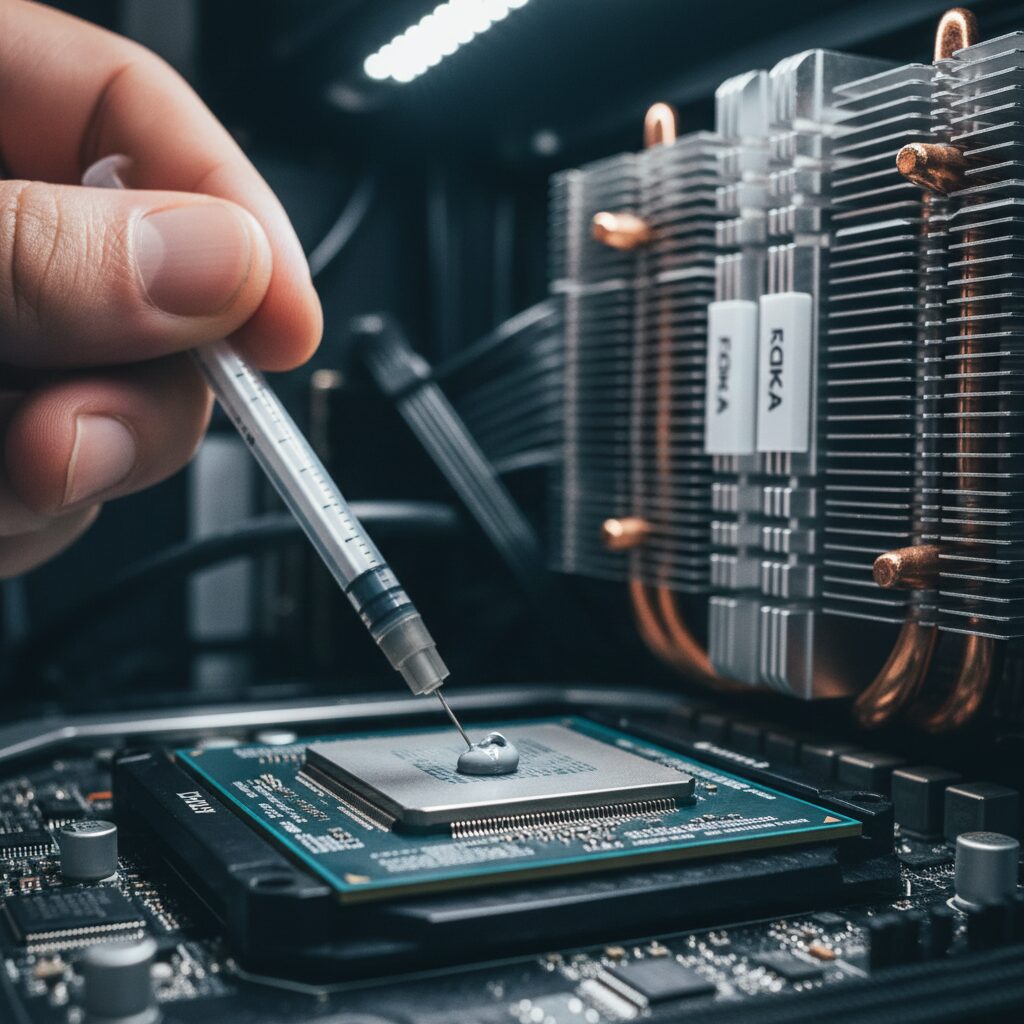
The most overlooked component in your system isn’t your GPU or your CPU—it’s the microscopic layer of thermal interface material (TIM) between them. Thermal paste is designed to fill the tiny, invisible imperfections in the metal surfaces of your heat spreader and your cooler base. If you don’t have this, air pockets form, and air is a terrible conductor of heat.
Over time, thermal paste dries out, becomes brittle, and loses its conductivity. When this happens, your CPU reaches its “thermal limit” much faster, forcing the processor to throttle its clock speed to prevent physical damage. This is the silent killer of PC performance.
The Re-application Workflow:
- Preparation: Always work on a non-carpeted surface to avoid static discharge. Use an anti-static wrist strap or regularly touch a grounded metal object.
- Extraction: Carefully remove your GPU and your CPU cooler. You cannot clean a radiator or heatsink effectively while they are mounted.
- The Removal: Use high-quality isopropyl alcohol (90% or higher) and a lint-free microfiber cloth. Gently scrub away the old, baked-on compound from the CPU lid and the cooler plate. Ensure the surface is mirror-clean with no streaks.
- Application: Apply a small, pea-sized amount of high-performance thermal paste to the center of the CPU. Don’t over-spread it; let the mounting pressure of the cooler do the work. Secure your cooler in a diagonal “X” pattern to ensure even distribution.
Cable Management as Airflow Architecture
While your case is open, look at your cables. A “rat’s nest” of wires in front of your intake fans acts like a solid wall, blocking cool air from reaching your GPU and trapping heat inside the case.
Pro-Tips for Flow:
- Use the “Behind the Tray” Route: Route every possible cable behind the motherboard tray.
- Zip-Tie Strategy: Use velcro straps—not permanent zip ties—to bundle cables. This allows you to easily move them later.
- The Airflow Channel: Your goal is to create a clear, unobstructed path from your front intake fans to the rear exhaust. If you see a cable obstructing that path, move it. Your components need to breathe.
Part 2: The “Ghosting” Fix—Troubleshooting System Decay
Beyond physical dust, modern devices suffer from what I call “ghosting”—the subtle, creeping degradation of performance that makes a device feel “old.” If you’re experiencing input lag, inconsistent battery life, or screen flickering, the problem is often systemic, not structural.
Solving Input Lag and System Responsiveness
Input lag often comes from driver bloat and background process accumulation. If your mouse feels “heavy” or your clicks aren’t registering instantly, check your polling rates and background tasks. Windows Update, background game launchers, and cloud sync services are the usual suspects. A clean install of your GPU drivers (using a tool like DDU—Display Driver Uninstaller) can often shave milliseconds off your latency.
Battery Degradation and Screen Burn-In
For laptops and handhelds, battery health is the primary metric of longevity. Stop keeping your device at 100% charge if you leave it plugged in all day. Many modern BIOS systems offer a “Battery Limit” mode that keeps the charge between 60-80%, which can double the total cycle life of the battery. For OLED screens, the enemy is static content. Avoid leaving the same dashboard or window open for hours. Use dynamic wallpapers and ensure your screen-off timers are aggressive.
Part 3: The Anatomy of an Esports Career—Human Hardware
If your PC is your digital hardware, your body is your human hardware. In my deep dive into the lives of elite players, I’ve realized that the path from amateur to pro is rarely about “gaming more.” It is about professionalizing the mundane.
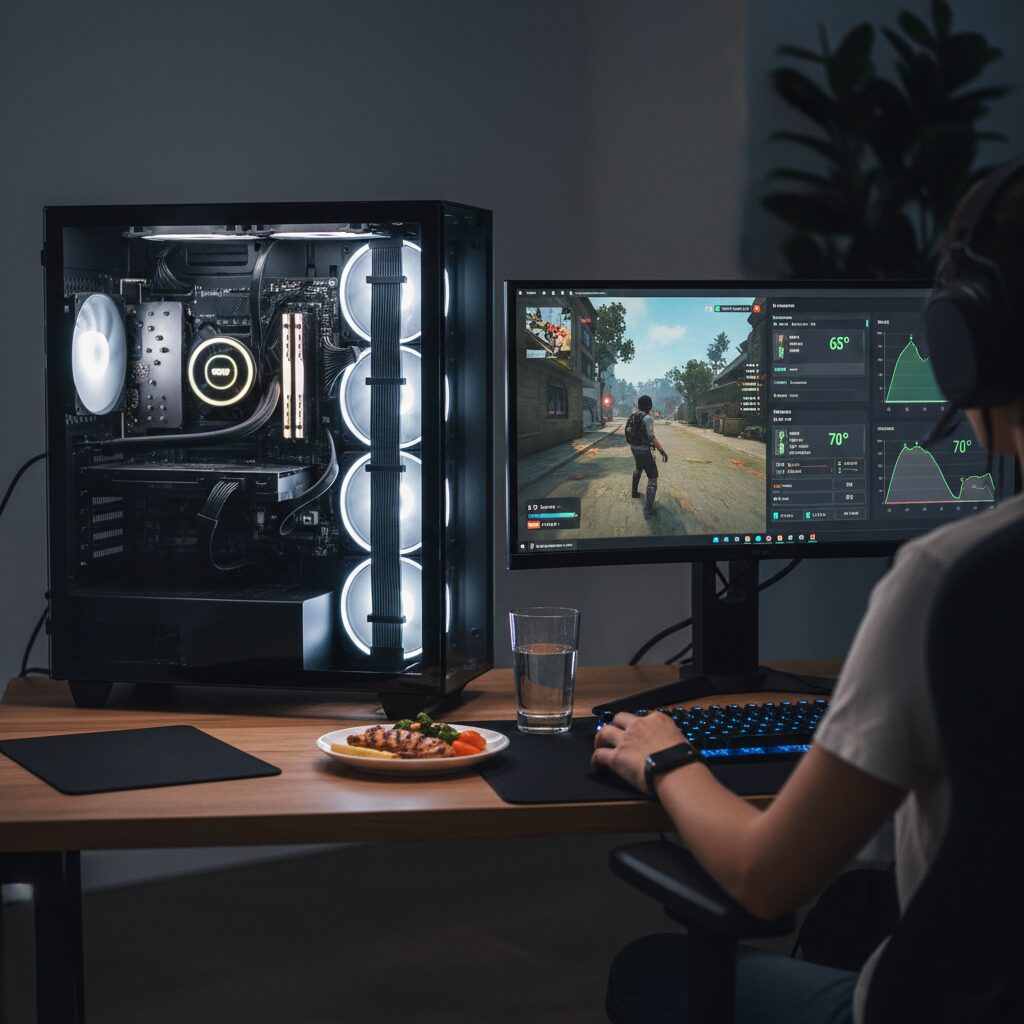
The esports industry has a “grind” culture that often leads to burnout. But the truly elite players—those who stay at the top for five, six, or seven years—treat their bodies with the same precision they apply to their PC settings.
Nutrition and Cognitive Stability
You cannot sustain elite reaction times on a diet of soda, caffeine, and chips. The “afternoon crash”—caused by massive blood sugar spikes and subsequent crashes—destroys consistency. Professional players are moving toward a focus on stable blood sugar, high-quality proteins, and proper hydration. When your brain is fueled by consistent glucose, your reaction times remain stable throughout a three-hour match.
The Sleep-Performance Link
Sleep is where memory consolidation happens. When you play a complex game like League of Legends or Counter-Strike, you aren’t just learning; you are building neural pathways. Those pathways are only “hard-wired” during deep REM sleep. If you are gaming until 3:00 AM, you are effectively deleting the progress you made that day. Elite players prioritize sleep not as a luxury, but as a performance-enhancing tool.
Mental Health and The “Off-Switch”
The most underrated skill in esports is the ability to disconnect. The psychological pressure of professional gaming can lead to acute anxiety and apathy. The best teams now have sports psychologists who teach players how to detach from the game when they aren’t practicing. This prevents the “mental fog” that occurs when the brain is stuck in a state of high-arousal stress for too long.
Conclusion: The Custodian Mindset
True tech mastery is about understanding that hardware is not disposable, and performance is not accidental.
Whether you are cleaning your PC, re-applying thermal paste, or structuring your day to ensure you get eight hours of sleep, you are doing the same thing: you are managing your systems to prevent degradation.
The “latest phone” or the “newest GPU” will always be there, but the ability to maintain and optimize what you already own is a skill that will serve you for the rest of your life. Stop treating your tech like a consumable, and start treating it like a tool. Clean your rig, fuel your body, and you’ll find that “longevity” isn’t a goal—it’s a byproduct of excellence.